

Stay Curious Paper Sculpture Typography
Kling Image 4.0
Use Kling image prompts to shape portraits, architectural spaces, print illustrations, and storyboards. Copy one of four complete briefs, then change the details for your project. This Kling image prompt guide explains what to preserve and what to revise. Kling prompt examples pair written directions with illustrative images. Adapt Kling image prompts around a clear focal point, and save Kling image prompts alongside the results you want to refine.
Stay Curious Paper Sculpture Typography
Kling Image 4.0
Dignified Cat Night-Train Conductor
Kling Image 4.0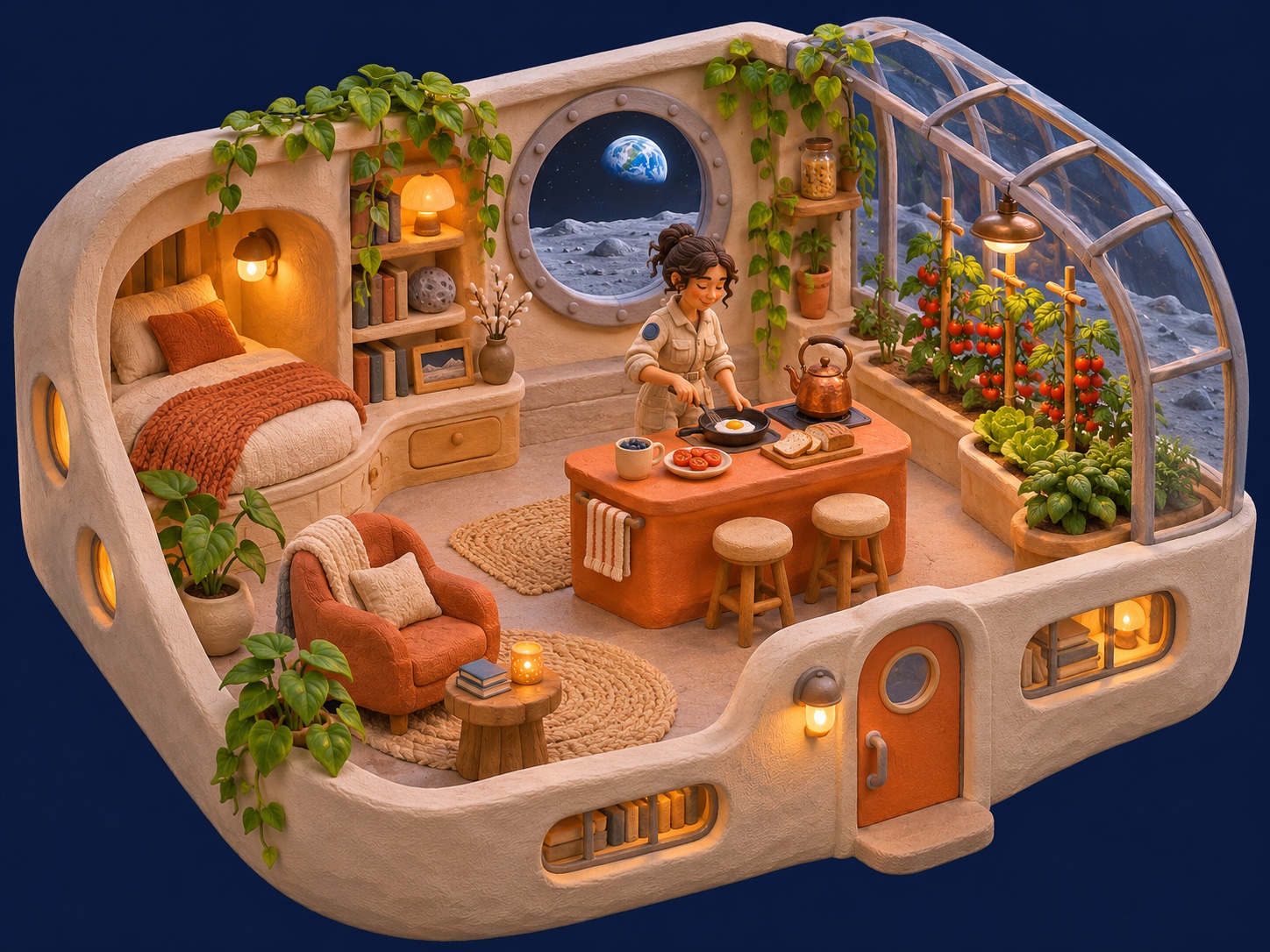
Isometric Moon Greenhouse Claymation Cutaway
Kling Image 4.0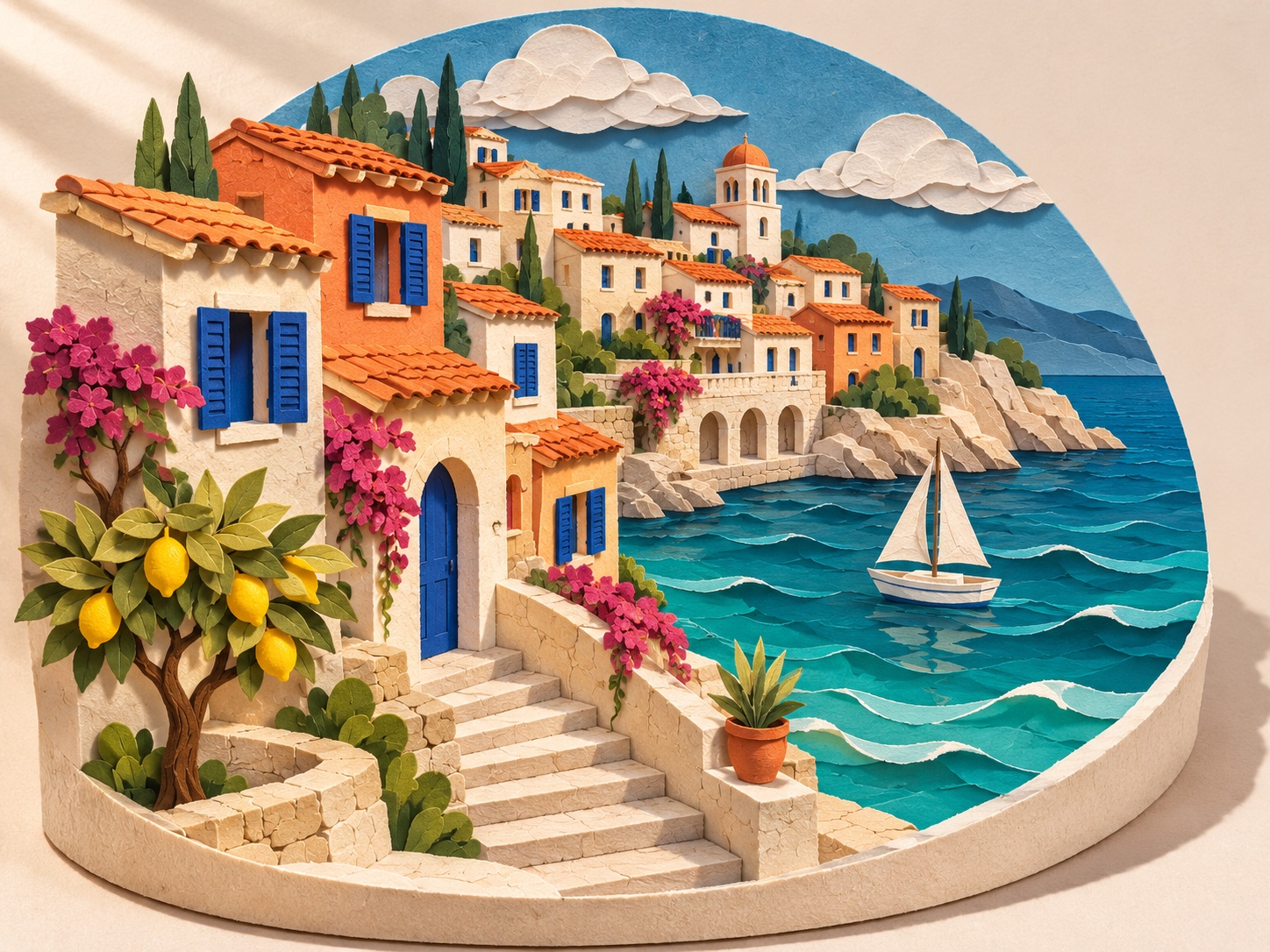
Mediterranean Coastal Village Paper-Cut Sculpture
Kling Image 4.0
High-End Strawberry Soda Splash Photography
Kling Image 4.0
Cinematic Surreal Koi Over City Intersection
Kling Image 4.0
Needle-Felted Red Panda on Knitted Cloud
Kling Image 4.0
Candid Late-Night Fashion Editorial
Kling Image 4.0
Luxury Icy-Blue Perfume Still Life
Kling Image 4.0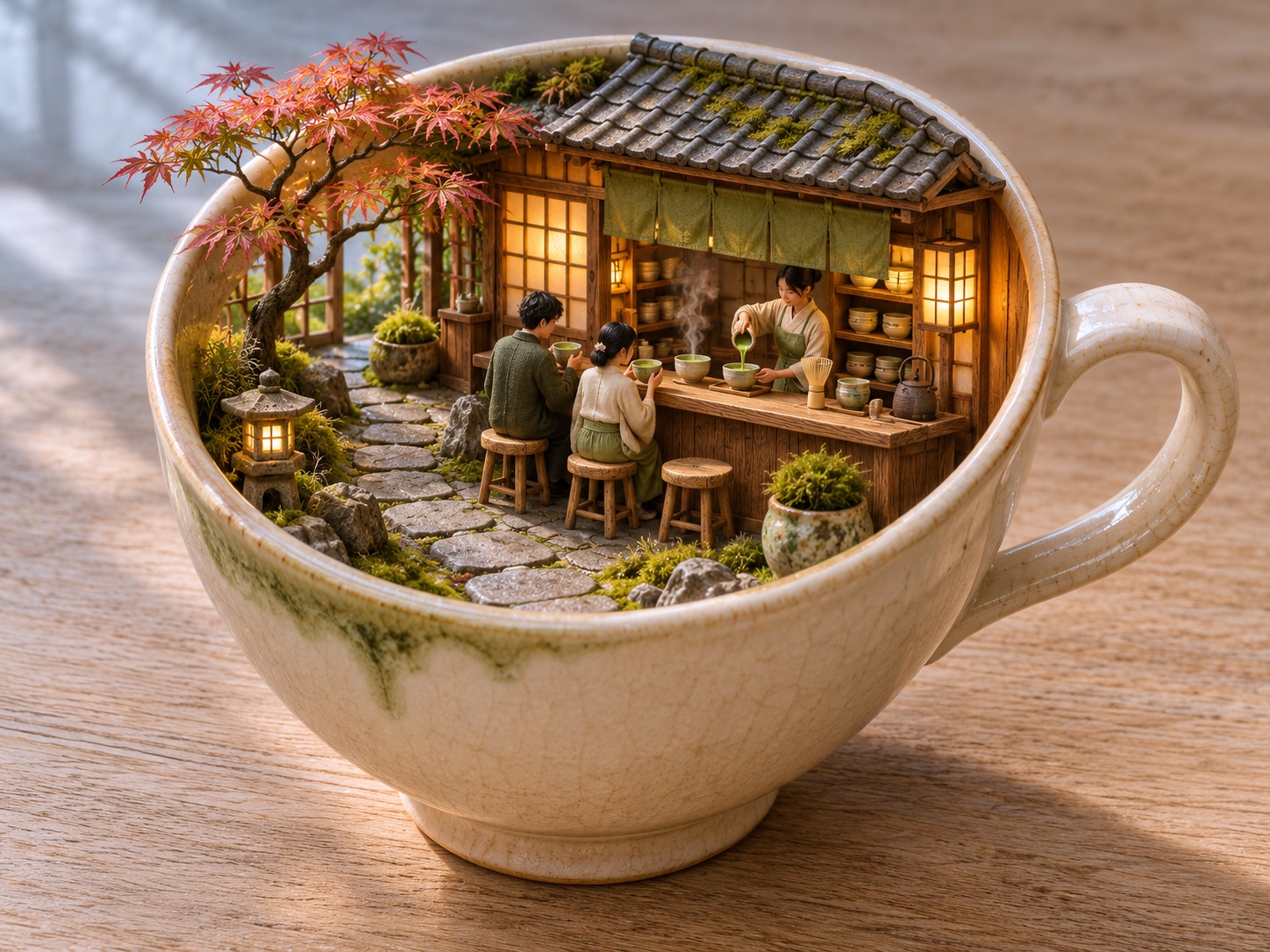
Miniature Japanese Matcha Café Diorama
Kling Image 4.0You’ve reached the end.
Read each brief as a set of creative decisions rather than a recipe with a guaranteed result. These Kling prompt examples pair a complete scene with a practical revision to try. Copy the text after “Example prompt,” then replace the subject or setting while retaining the composition you want to explore. This Kling image prompt guide also explains what to inspect after generation. Kling image prompts work best when you can identify the focal point before adding decorative detail.
Use this short workflow to adapt Kling image prompts. Keep the first version focused, then evaluate the image against your brief.

Write one subject and a visible action or relationship. Start from the closest brief above if you need an example.

Choose the crop and viewing angle. State where you need empty space for a later layout.

Name one main light source and a compatible palette. Add a few surface details that belong to the scene.

Open the image workspace, enter your prompt, and generate. Compare the result with your brief, then change one important detail.
A useful revision answers a specific question: what should stay, what should change, and how will you judge it? This Kling image prompt guide organizes that review around four decisions. Reuse Kling prompt examples as structures, then give each project its own subject, constraints, and visual priorities. Kling image prompts become easier to maintain when the reason for each sentence is clear. Compare Kling prompt examples against your intended use, and use this Kling image prompt guide to record meaningful revisions.
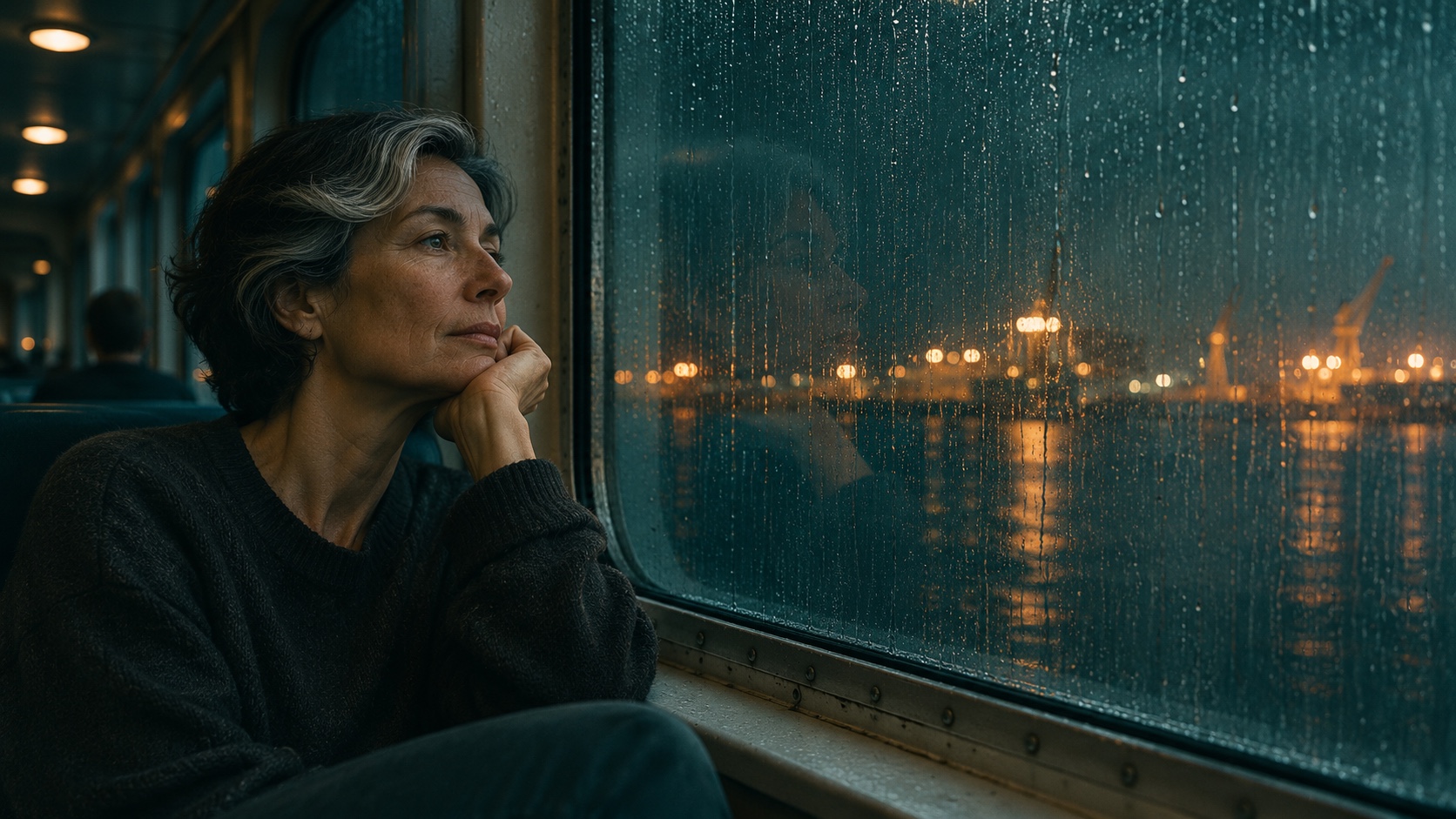
Write Kling image prompts around visible relationships. “A woman looks through a rain-streaked ferry window” gives the scene a subject, action, and setting. Kling prompt examples are most useful when you can name the decision each sentence makes. For Kling image prompts for portraits, ask where the gaze leads and what remains visible at a small size. This Kling image prompt guide recommends replacing vague preferences with observable changes: move closer, soften the background, or light one side of the face. Keep Kling image prompts focused on the main subject. Review hands, reflections, and important props individually before choosing an image for a finished layout. Review Kling image prompts at the intended display size.
When an image workspace supports reference input, describe which details should carry through and which should change. Kling image prompts can distinguish a room’s layout from its materials, or a subject’s appearance from the surrounding light. For Kling image prompts for architecture, a reference might establish the viewpoint while the new brief changes the time of day. This Kling image prompt guide recommends checking the selected model and visible upload controls before preparing a reference-based task. Kling image prompts do not replace an uploaded reference. Save your reference with these Kling prompt examples.
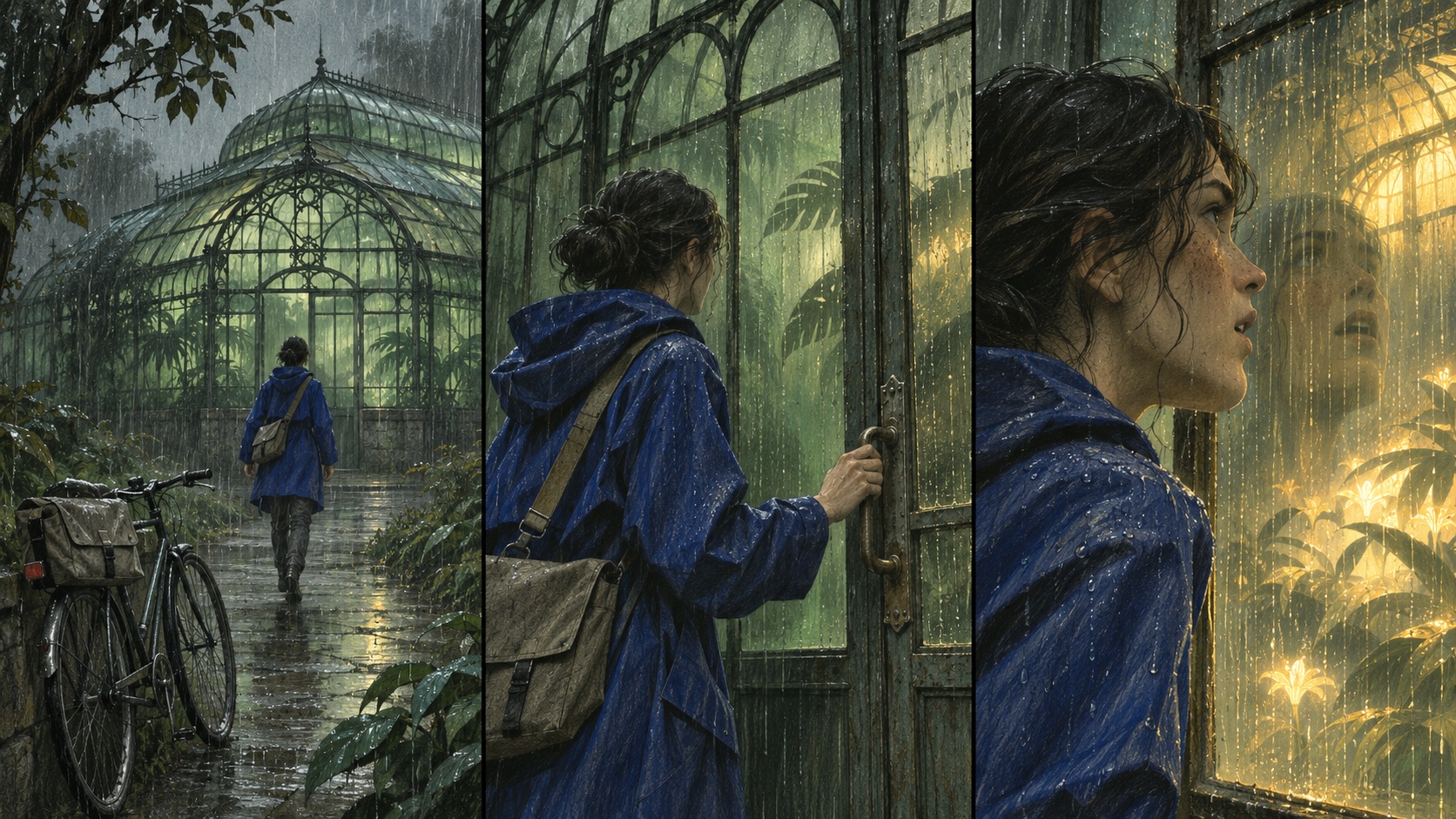
Write a short continuity note before expanding Kling image prompts into a sequence: the courier’s cobalt raincoat, the greenhouse’s narrow metal framing, and the same predawn rain. Repeat the essential details when generating separate stills. These Kling prompt examples make changes in shot size explicit while preserving the scene’s visual identity. For Kling image prompts for storyboards, review the frames together rather than selecting each one in isolation. This Kling image prompt guide suggests checking screen direction, recurring props, and the position of the light source. Kling image prompts can request consistency, but you still need to inspect the results.
Store Kling image prompts with a few labeled notes: subject, viewpoint, light, medium, and the reason you kept the result. These Kling prompt examples demonstrate how a small set of decisions can support different creative tasks without carrying every detail into the next project. For Kling image prompts for illustration, preserve the relationship between medium and marks, such as woodcut, crosshatching, and visible paper. This Kling image prompt guide recommends changing a coherent group of style instructions together. Kling image prompts become contradictory if a flat print also demands photographic lens blur across every surface. Save your chosen model and relevant settings beside the wording; a prompt alone is not a complete production record.
Use these answers to choose a starting point, adapt Kling prompt examples, and review a first result. This Kling image prompt guide focuses on still-image briefs and practical revision decisions. Return to this Kling image prompt guide when adapting Kling prompt examples for a new brief.
Kling image prompts are written directions for still-image creation. They describe what belongs in the frame and how the scene should look: subject, action, setting, viewpoint, lighting, and medium. Use Kling prompt examples to see how those decisions fit into a complete brief. This Kling image prompt guide includes portraits, architecture, illustration, and storyboards so you can choose a structure that matches your task. Kling image prompts can be short or detailed; the useful measure is whether each instruction helps define an image you can evaluate.
Choose one of these Kling prompt examples, replace a detail that matters to your project, and open the image workspace to try it. Keep this Kling image prompt guide nearby while reviewing your first result. Save the Kling image prompts you want to refine, then make the next version around one clear visual decision.